
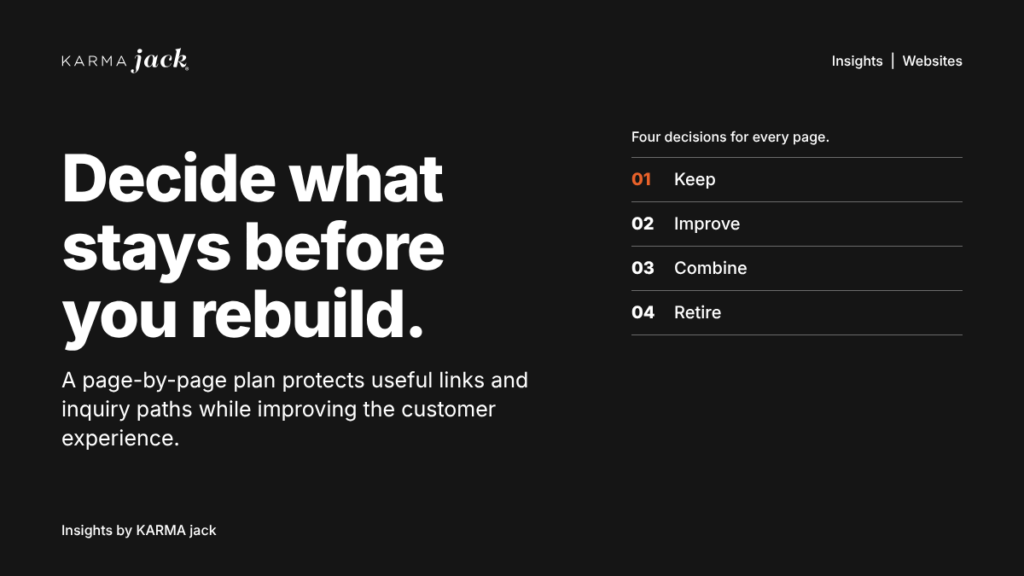
Before you approve a website redesign, decide which pages should stay, which need work and which can go. That gives your team a way to improve the customer experience while protecting useful links and inquiry paths.
Start with the business problem. Maybe visitors cannot find the right service. Maybe the site sends good inquiries to the wrong location. Maybe the content is clear, but the platform makes routine updates difficult. Those problems call for different work.
A page-by-page plan helps you spend the redesign budget where it matters.
Find out what the current site is doing
Build a list of existing pages before approving the new sitemap. For each important page, record the customer question it answers, the next action it supports and the evidence you have about its use.
Review search traffic, inquiry activity and links from other websites where that data is available. Ask the sales and service teams which pages they send to customers. A low-traffic page may answer a question that helps a serious buyer move forward.
Record gaps in the data, too. If form tracking is broken, a page with no recorded inquiries has an unresolved measurement problem. You cannot confidently call it a failure.
Keep the review focused on decisions: what is useful, what is missing and what is getting in the customer’s way.
Build a page plan your team can use
Start with the pages customers rely on to choose a service, compare an option or contact you. Add the rest of the site before approving removals or URL changes. For each page, capture these fields:
- Current URL and customer question: What does someone need to understand here?
- Evidence and gaps: Which search visits, inquiries, useful links or sales conversations support keeping it? What tracking is missing?
- Decision and reason: Keep, improve, combine or retire. Explain the customer benefit in one sentence.
- Destination and next action: Keep the address where sensible. If it changes, name the relevant replacement and what the visitor should do there.
- Owner and acceptance check: Name who approves the content and who tests the page, links and inquiry handoff.
Example: an HVAC maintenance page with useful service details but an unclear booking step may need improvement at the same URL. A manufacturer’s product page may need drawings, application limits and a clear request-for-quote path rather than a new address. These are illustrative decisions, not audited client results.
Give every page a clear decision
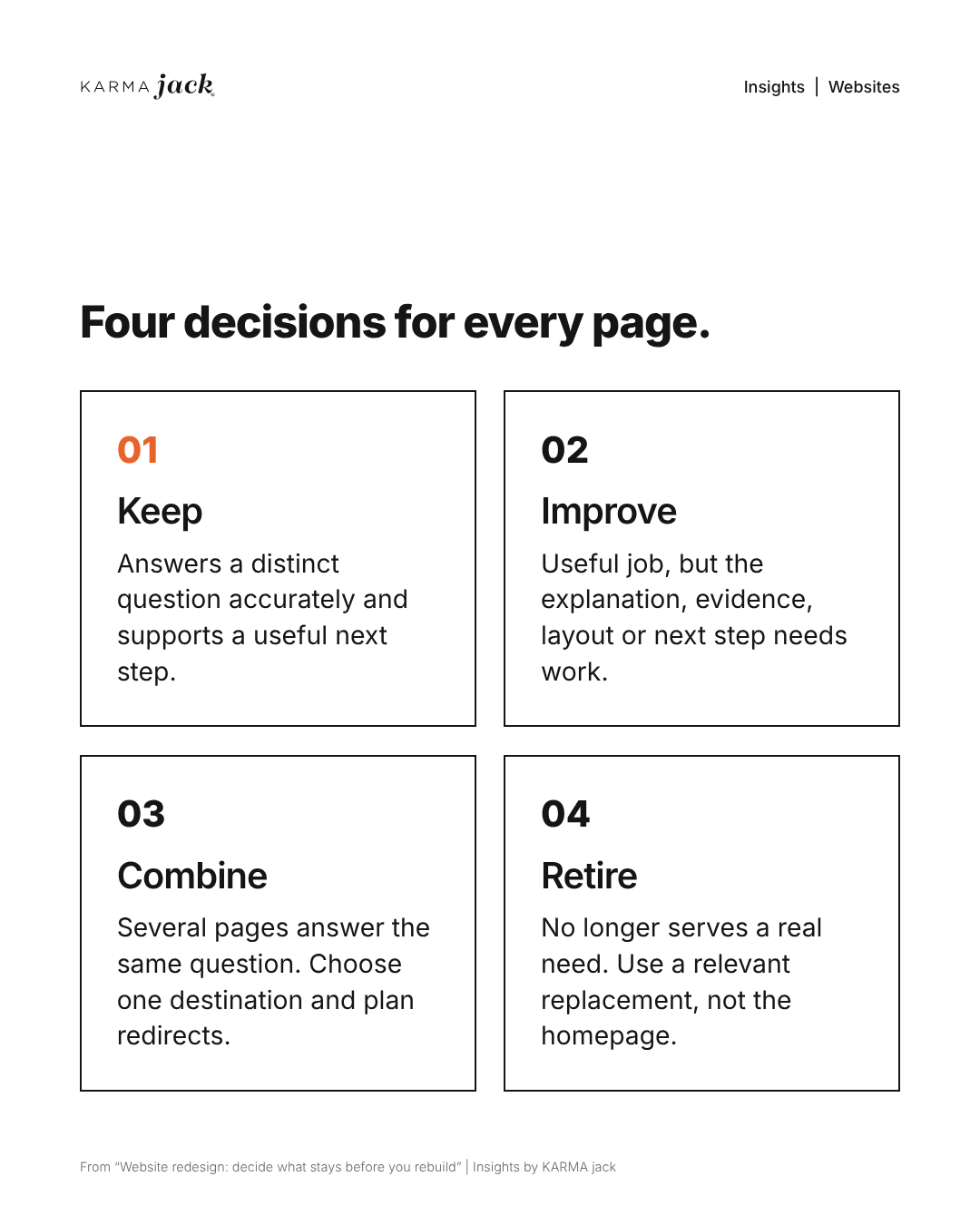
Use four simple choices to turn the inventory into a plan:
- Keep: The page answers a distinct question, has accurate information and supports a useful next step. Preserve it unless there is a clear reason to change.
- Improve: The page has a useful job, but its explanation, evidence, layout or next step needs work. Update the page without assuming it needs a new address.
- Combine: Several pages substantially answer the same question. Review their content and performance before choosing one destination and planning redirects.
- Retire: The page no longer serves a real need. Decide whether a relevant replacement exists. An unrelated homepage is not a useful substitute for the answer someone expected.
For example, two pages describing the same maintenance service may belong together. A separate page explaining emergency availability could deserve its own place if it answers a different buying question. These are planning examples, not a rule about how many pages a business should have.
Separate the menu from the web address
Your navigation and your URLs do different jobs. Navigation helps visitors choose a path. The URL is the address that bookmarks, search results and other websites may already point to.
You can often change a menu label or place a page under a more useful navigation group while keeping its existing URL. A cleaner menu does not automatically require a new folder structure.
Make the labels clear and connect related pages with descriptive links. Google recommends crawlable links and meaningful link text so people and search systems can understand the destination.
When near-duplicate URLs need to remain accessible, ask your developer how the preferred version will be identified. Canonical tags signal a preferred URL to search engines; they do not redirect a visitor. Google treats redirects, canonical tags and sitemap inclusion as different canonicalization signals.
Plan every URL change
When an address really needs to change, put the old URL and its relevant new destination in a redirect map. Have the developer test the map before launch.
Google’s site-move guidance recommends permanent redirects, updated internal links and a new sitemap. It also warns against redirecting unrelated pages to the homepage and recommends keeping redirects for as long as possible, generally at least a year. Search visibility can fluctuate while Google processes a move.
Ask for a launch check that covers old links, new destinations and the actions visitors need to complete. Submit test inquiries, confirm they reach the right team and check that the confirmation message makes sense. A form that looks finished still needs a working handoff.
Measure the job you asked the site to do
Agree on success before the rebuild starts. For a lead-generation site, that might mean completed inquiries for the right service and location, followed by the share that become qualified opportunities when the data can be connected.
Keep a dated baseline and record changes in tracking. Traffic, form submissions and sales outcomes answer different questions. Seasonality, advertising and sales activity can also affect the numbers, so a before-and-after comparison alone cannot prove what the redesign caused.
After launch, review the priority pages and inquiry paths first. Check whether people can find the information, complete the action and reach the right person. Use those findings to choose the next improvement.
Ask for proof before approving launch
Use a short acceptance checklist with your website team. Record who tested each item and the result. Test the actions that matter on a phone as well as a desktop.
- A visitor can identify the right service, product or location and see the next step.
- Priority old links reach the intended destination. Pages deliberately removed have an appropriate response rather than a misleading redirect.
- Test forms reach the correct inbox or CRM queue. Confirmation messages explain what happens next without promising an unapproved response time.
- Search controls, canonical tags, internal links and the sitemap match the approved launch plan. Temporary staging restrictions are reviewed before release.
- Key measurement events have been tested. The team has a dated baseline, a post-launch review date and a named owner for urgent fixes.
Website redesign FAQs
Should a low-traffic page be removed during a redesign?
Check the job it does before removing it. A page may answer an important buying question or support sales even with few visits. Review inquiries, useful links and tracking gaps alongside traffic.
Can we simplify the menu without changing page URLs?
Often, yes. Menu labels and navigation groups can change while existing addresses stay in place. If a URL must change, map it to a relevant destination and test the redirect.
What should we test before approving the redesigned site?
Test priority old links, mobile inquiry forms, confirmations and the handoff to the correct team. Check search controls and measurement against the approved launch plan, with a named owner for each result.
Bring a page plan to the redesign conversation
Before discussing the new homepage, ask your team to agree on three things: the customer problem, the page decisions and the launch checks. Name who will supply the content, approve it and verify the working site.
That plan may support a full rebuild. It may also reveal a smaller set of changes worth making first.
Planning a redesign? Talk with KARMA jack about what your website needs to do next.

