AI healthcare scheduling should begin with a clear operational goal. Make it easier to request, confirm or change an appointment, then measure whether the new process helps. No-show reductions and staff time savings are outcomes to test, not promises to put in a vendor brief.
A missed appointment can start with a problem the practice never sees: a work shift, a transportation barrier, an unclear instruction or a booking that was difficult to change. A reminder may help with one of those problems. It will not solve all of them.
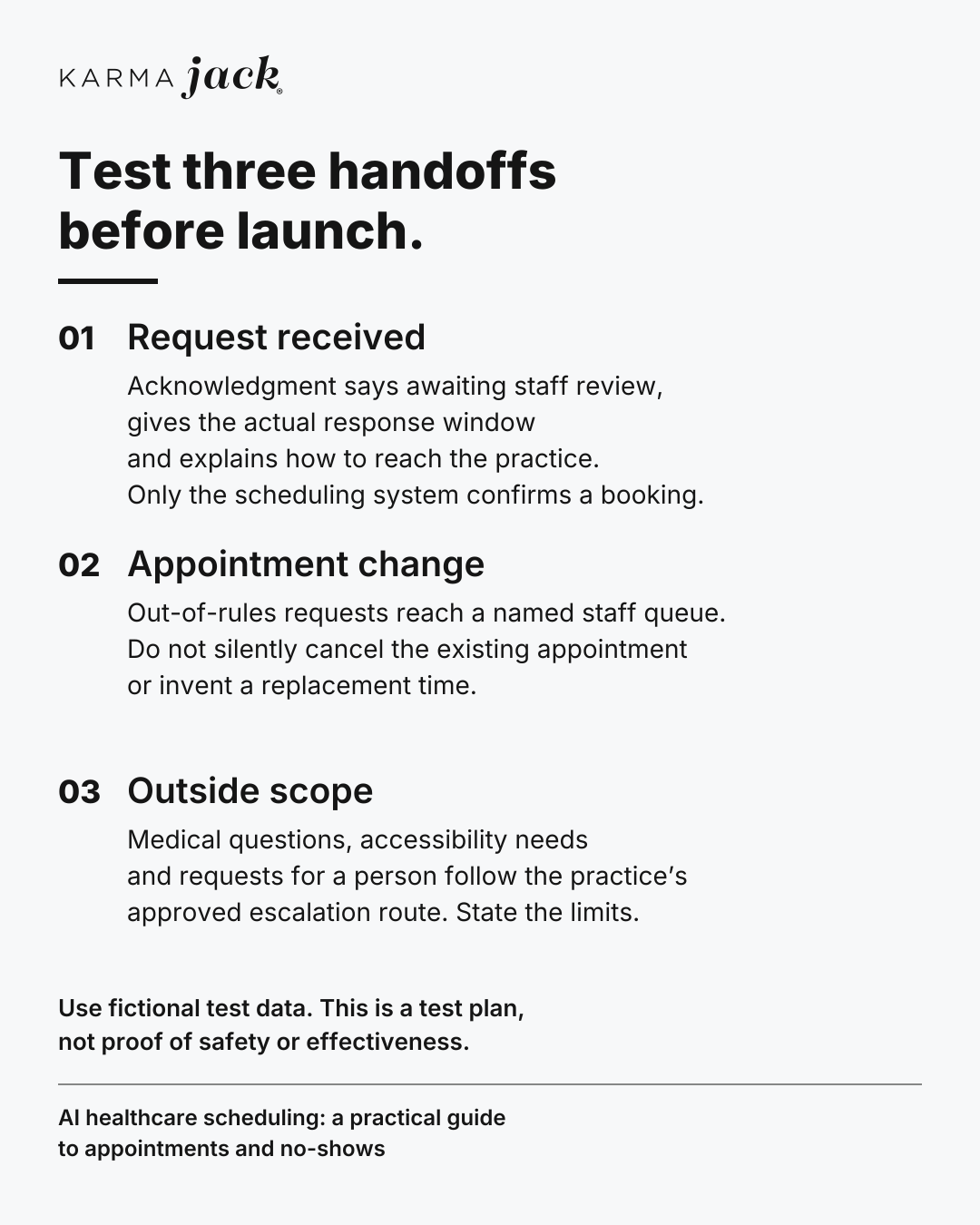
Test three scheduling handoffs before launch
A practice leader can use these fictional test cases with the website, scheduling and front-desk teams. Write the expected result before running each test:
- Request received: a person submits an appointment request. The acknowledgment says it is awaiting staff review, gives the actual response window and explains how to reach the practice. Do not show a confirmed appointment unless the scheduling system has confirmed it.
- Appointment change: a person asks to move a visit outside the tool’s permitted rules. The request reaches the named staff queue without silently canceling or inventing a replacement time.
- Outside scope: a person asks a medical question, cannot use the interface or requests a human. The tool uses the practice’s approved escalation route and clearly states its limits.
Have the operations owner log the outcome, the correction needed and the person responsible. Pause a pilot that loses requests, creates duplicate bookings or gives an unsupported confirmation. Use fictional test data; these examples are a test plan, not proof that a tool is safe or effective.
Find the part of scheduling that needs attention
Walk through the process from a patient’s perspective. Can someone book on a phone? Are appointment types understandable? Is it clear whether a request is confirmed or still awaiting review? Does the practice provide a practical way to reschedule?
Ask staff where work gets repeated. A form may collect the wrong information, an online slot may need a different visit length or a caller may have to explain the same issue twice. Fixing those rules may matter more than adding a conversational interface.
When does AI help with healthcare scheduling?
Some tasks work well with ordinary scheduling software: sending an approved reminder, showing available times or moving a confirmed cancellation into a waitlist process. AI may add value when a system needs to interpret varied wording or help staff summarize routine requests.
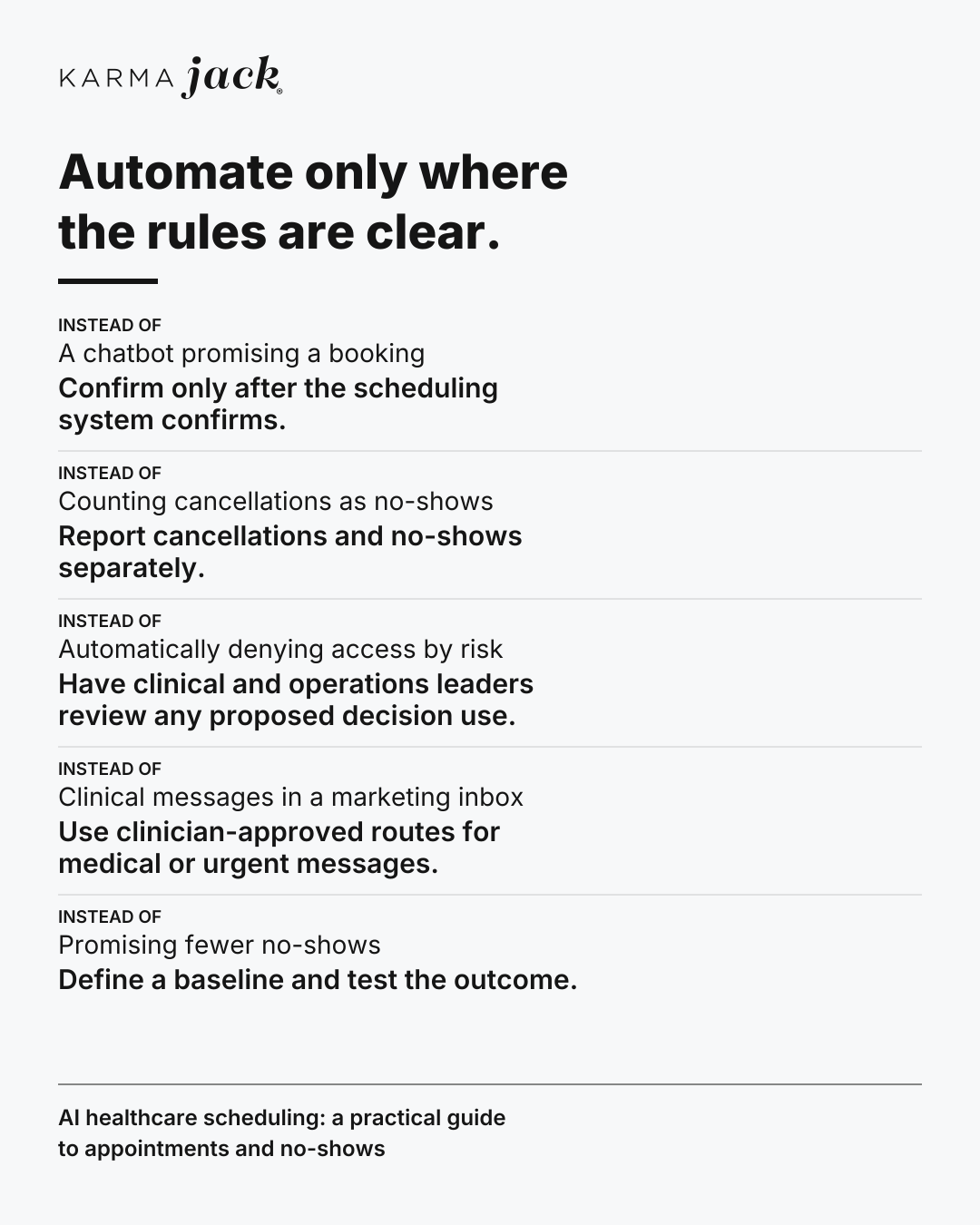
Require the scheduling system to remain the source of truth. A chatbot should not invent availability, promise coverage or tell a patient a visit is booked before the scheduling system confirms it. Set limits on which appointment types it can handle and send exceptions to trained staff.
Write reminders around the next action
Keep the message focused on the appointment and the approved way to confirm or change it. Follow the patient’s communication preferences and the practice’s privacy procedures. Review the channel, content and safeguards before launch.
HHS considers appointment reminders part of treatment and says they may be made without a HIPAA authorization. That statement does not remove other privacy or communications requirements. See the HHS appointment reminder FAQ.
How should a patient reach human scheduling support?
An automated scheduling tool needs a reliable handoff for uncertainty, accessibility needs, language support and requests outside its approved scope. State when staff are available and what happens after hours. Test the handoff with the people who will receive the requests.
Keep clinical triage out of a marketing-led scheduling pilot. Use clinician-approved routing for medical or urgent messages, and make the tool’s limitations visible. A message that needs clinical attention should not remain in a routine marketing inbox.
Measure the pilot fairly
Before launch, define a baseline period and a comparison period that reflect the practice’s normal operation. Track completed appointments, missed appointments, cancellations, booking errors and staff handling time. Specify the denominator for each rate so the team can compare like with like.
Separate cancellations from no-shows. A process that makes cancellation easier may create more chances to refill an opening, but it can also change how the numbers look. Review patient complaints and staff workload alongside schedule fill.
Avoid using predicted no-show risk as an automatic reason to deny access, impose fees or double-book someone. Predictions can be wrong, and the consequences fall on patients and staff. Have the responsible clinical and operational leaders review any proposed decision use.
Write down the calculation before running the pilot
The operations lead should define the appointment cohort before comparing results. One workable internal definition is:
No-show rate = appointments marked no-show ÷ appointments due to occur in the selected service and period, excluding appointments canceled in advance.
Report advance cancellations separately and document how late cancellations, reschedules and practice-canceled visits are classified. This is a proposed measurement convention; use the practice’s established definition when one exists and keep it consistent.
Compare the same appointment types, locations and days of the week where possible. Record any simultaneous changes to hours, staffing or reminder policy. A lower no-show rate during a different service mix does not show that AI caused the change. For a small pilot, show counts next to rates and avoid a broad performance claim.
Measure workload across the whole handoff: staff handling and correction minutes divided by requests handled, including requests the tool escalates. Also record duplicate bookings, unsupported confirmations and unresolved requests. At the planned review, expand only if the operational benefit is useful and the responsible reviewers accept the remaining risks. A serious routing or disclosure failure should trigger the predefined stop process even when average response time improves.
Start with one workable change
Choose a limited appointment category and one scheduling problem. Document the workflow, privacy review, human fallback and stop conditions. Expand only after the team understands what improved and what still fails.
Common question: do reminders need AI?
Often they do not. A reliable rule-based reminder and a simple rescheduling path may address the immediate problem. Add AI only when it solves a defined task and the team can monitor its errors.
What must a scheduling assistant say after an unconfirmed request?
Say the request is awaiting review, give the actual response window and explain how to reach the practice. Show a confirmed appointment only after the scheduling system confirms it.
Should cancellations and no-shows be combined in a pilot report?
Report them separately and document how late cancellations, reschedules and practice-canceled visits are classified. Use the practice’s established definition consistently, with counts, denominators and comparable appointment groups.
Should predicted no-show risk automatically change a patient’s access?
No. Do not use it automatically to deny access, impose fees or double-book. Predictions can be wrong. Clinical and operational leaders should review any proposed decision use and its consequences.
Talk with KARMA jack about improving the website and marketing handoff into scheduling. Your practice’s operations and clinical teams should own booking rules and patient-care decisions.